

A rating at the end of each article lets readers tell you whether it helped. Ratings add up to your Satisfaction score in Statistics and point you to the articles that need work.
Who can do this: Owners, Admins and Editors see ratings · Plans: All plans
How readers rate an article
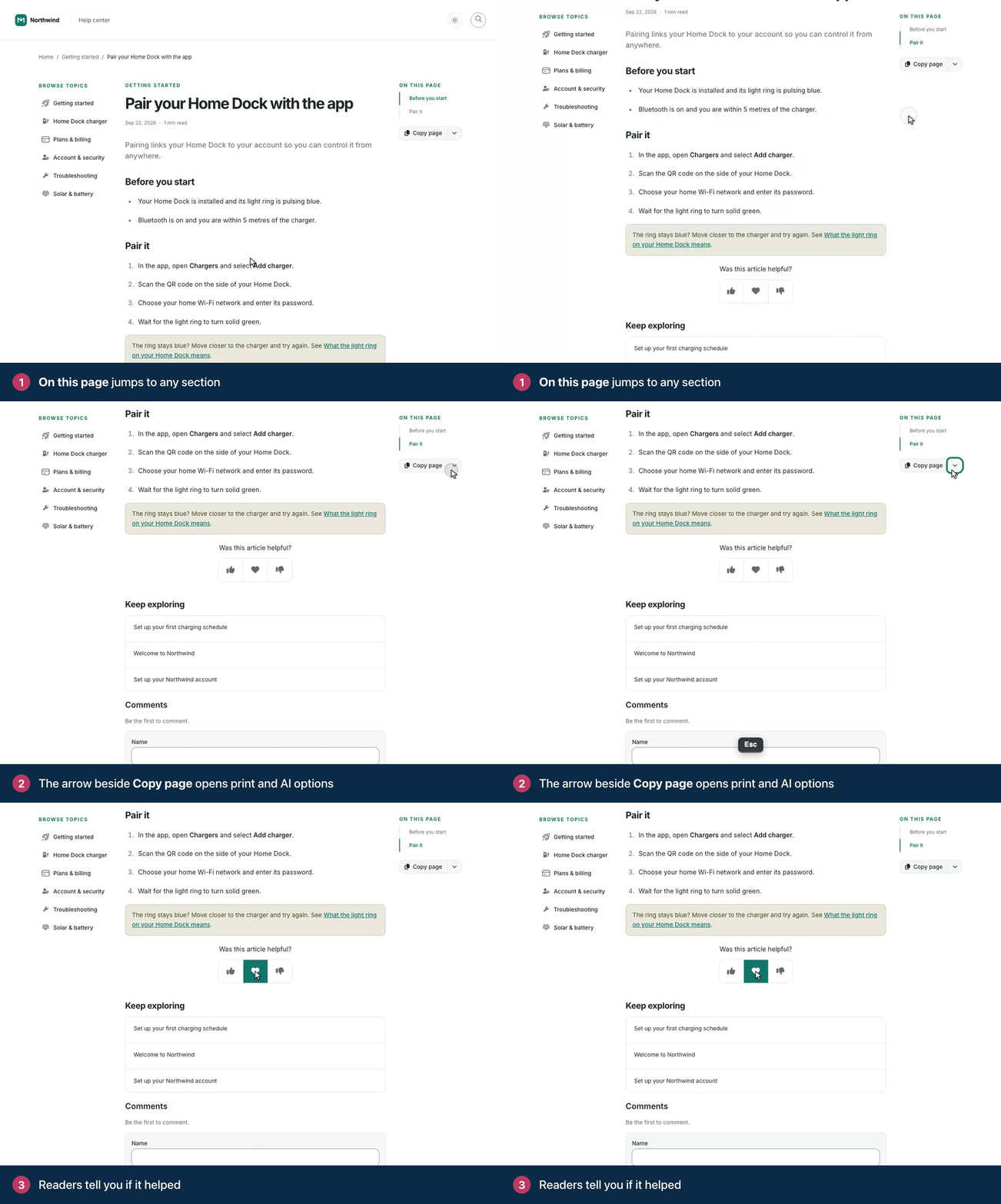
At the end of an article, readers see Was this article helpful? with a row of buttons:
Three buttons: thumbs up (Helpful), a heart (Loved it) and thumbs down (Not helpful).
Two buttons: thumbs up and thumbs down.
Each network address gets one rating per article and language, so colleagues on the same office network share a rating. Clicking another button changes that rating instead of adding a new one. Articles opened in the widget ask Was this article helpful? too.
You can also ask readers who click thumbs down what could be better. Their note is saved with the rating. The Statistics page shows the ratings, not these notes.
Set up the rating buttons
The buttons come from the Was this helpful? component on your article page, in the template editor. There you can:
choose the Scale: Helpful / Love it / Not helpful (3 buttons) or Thumbs up / down (2 buttons),
change the question in Prompt,
switch on Ask for feedback and edit the Feedback prompt.
See Add ratings and comments to articles for the steps.
How Satisfaction is calculated
Satisfaction is the share of ratings that were positive. Loved it and thumbs up count as positive, and thumbs down counts as negative:
Satisfaction = positive ratings ÷ all ratings
For example, 7 Loved it, 6 thumbs up and 5 thumbs down make 13 positive ratings out of 18, so Satisfaction is 72%. The score is rounded to a whole percent. A rating counts in the period when it was last given or changed, so a reader who switches from thumbs down to thumbs up moves one rating, not two. When there are no ratings in the period, you see Not enough ratings instead.
Where to see ratings
Statistics: the Satisfaction tile, the Satisfaction card with Most liked and Needs work, and the Helpful and Ratings columns in Content performance. These cover the period you pick. See Find your best and weakest articles.
Article details: click an article's title in Articles. Found it helpful shows the share of all the article's ratings that were positive. Hover over it to see the counts. See See article details and make quick edits.
The API: rating shares for each article. See Articles and Analytics on the developer portal.
Ratings of AI answers are separate
AI Answers has its own Was this helpful? under each answer, with Helpful and Not helpful. Those votes count as helpful and unhelpful AI answers in See what people search for, and don't change an article's Satisfaction.
Comments
Be the first to comment.